Bookmarks
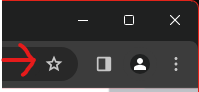
To add a bookmark press the star in the url bar
To show/hide the bookmarks bar press ctrl + shift + B
Current Day

This displays the current day in the 6 day timetable
Navigation bar

These buttons link to the school news(weekly anoucments in emails), notices(dayly anouncements) and this help section
Colours
the button i dident say about is the colours button this button brings you to a page where you can set the colours of your timetable

press one of these buttons to select the colour you want to use and then select the place you want the colour to go
Timetable
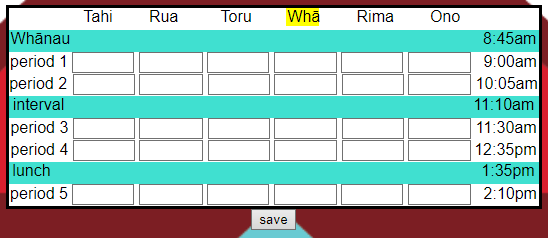
This is the timetable put your timetable in the textboxes and press save the current day is highlighted